

Image Blur Up
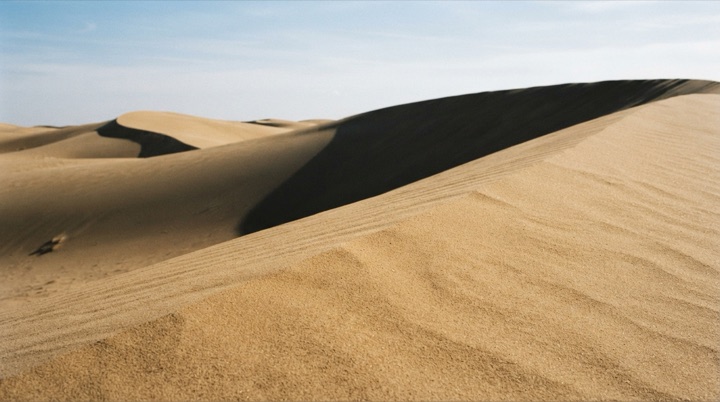
A tiny blurred stand-in holds the frame and sharpens into the full picture, with nothing below it moving.
The animated component in this preview is rendered from the canonical file shown here. The surrounding demo shell only provides context and is not part of the copied code.
import { useEffect, useId, useState } from "react";
import { motion, useReducedMotion } from "motion/react";

/**
 * Vibary · Image Blur Up
 *
 * A cheap placeholder — a handful of bytes of gradient, or the tiny
 * base64 thumbnail your image pipeline already emits — sits in the
About this pattern
What a good image pipeline looks like from the outside. A few bytes of gradient or a downsampled thumbnail fill the frame immediately at heavy blur; when the full file decodes, the blur resolves to zero, the overscale settles back to one, and the stand-in cross-fades away underneath. The frame is sized by aspect ratio from the first paint, so the caption and everything beneath it are already in their final position — this is what separates a blur-up from a layout shift with a blur painted over it. The placeholder is overscaled slightly while blurred, because a blur radius bleeds past its own edges and un-overscaled corners look chewed.
Where it shows up
Screens we drew to show where this motion usually sits. Illustrations, not captures of any product.
- Photo gallery
Grid tiles hold a dominant-color block that gives way to the photograph, with no reflow.
Related patterns
- Page Transition FadeThe outgoing view sinks a few pixels as it fades while the incoming one rises to meet it.
- Carousel Preload SlideThe upcoming frame resolves from placeholder to artwork a beat before the track moves to it.
- Headline Word RiseEach word travels up out of the clip of its own line, so the headline reads as typeset rather than assembled from pieces.